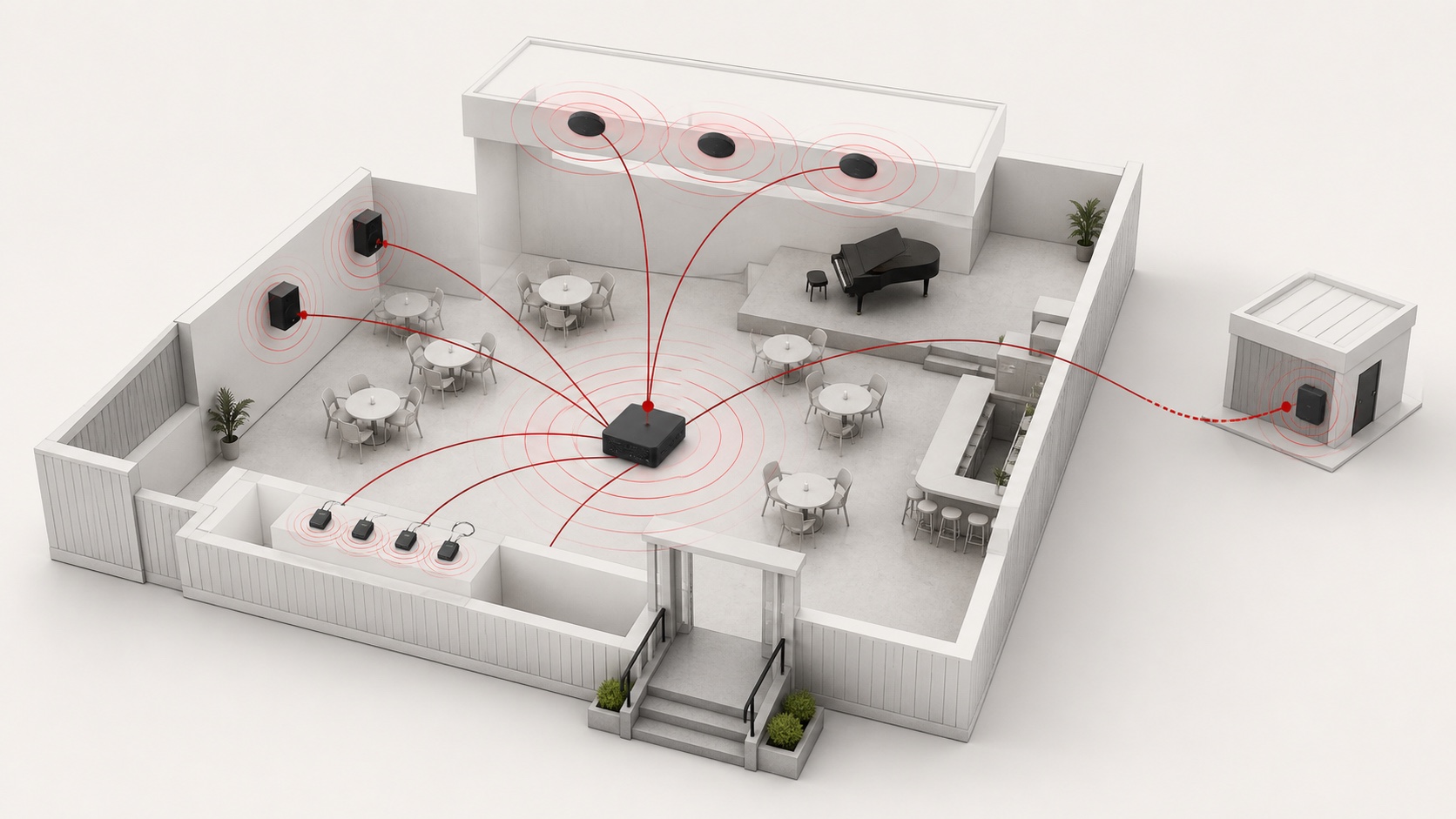
“Wireless broadcast” is not a single technology. It may describe a phone playing music to one Bluetooth speaker, a venue transmitting several language channels to visitors, a managed IP-audio network across a campus, or a cellular link feeding remote sites.
Choosing only by transmission distance or by the word “wireless” often produces the wrong system. Start with who must receive the audio, how important the message is, how many zones need independent control, and what infrastructure is available.
Quick comparison
| Technology | Best suited to | Main advantage | Main limitation |
|---|---|---|---|
| Classic Bluetooth | Local music playback in one room | Familiar and inexpensive | Usually a paired, short-range source-to-device connection |
| Bluetooth LE Audio / Auracast | Personal listening, assistive listening and multilingual audio | One broadcast can be selected by many compatible receivers | The transmitter and receiver must explicitly support Auracast |
| Dedicated RF link | A fixed wireless microphone, paging or vendor-specific speaker link | Purpose-built and predictable within its design | Frequency rules, range and interoperability vary by product and country |
| Wi-Fi / IP audio | Managed multi-room or campus systems | Routing, scheduling, monitoring and zone control | Depends on network design, security and operational support |
| FM broadcast | Simple local-area reception by compatible radios | Mature receivers and broad coverage are possible | Spectrum licensing and permitted power vary by location |
| 4G / 5G audio | Remote branches or moving sites | Works beyond one building where mobile data is available | Recurring data cost, variable latency and carrier dependence |
First clarify what “wireless” should remove
A wireless signal does not automatically make the whole installation cable-free. An active loudspeaker still needs mains power, while a passive loudspeaker still needs an amplifier and speaker cable. Wireless may remove the audio cable between the source and one part of the system, but it does not remove power, mounting, network or maintenance requirements.
For permanently installed ceiling and wall speakers, a conventional 70 V or 100 V distributed system may remain the simpler and more reliable choice. A hybrid design is often more practical: use wireless for content contribution or personal reception, and use wired loudspeakers for fixed room coverage.
Choose by application
One room with background music
Classic Bluetooth is suitable when one authorized phone, tablet or media player supplies non-critical music to a nearby amplifier or active speaker. It is easy to operate, but the venue should define who may pair, what happens when the source leaves, and how playback recovers after a power interruption.
It is not a good default for emergency messages or unattended multi-zone operation.
Visitors listening on their own devices
Auracast, a capability of Bluetooth LE Audio, is designed for one-to-many audio broadcasting. Public applications include silent screens, tour systems, multilingual audio and assistive listening. Listeners select an available broadcast on a compatible receiver instead of pairing with the source in the classic Bluetooth way.
Do not assume that every device labelled “Bluetooth 5.2” supports Auracast. The source, transmitter, receiver and relevant software must support the required LE Audio and Public Broadcast features. Verify the exact model and test the intended user journey before deployment.
Several rooms or independently controlled zones
Wi-Fi or wired IP audio is usually more suitable when content must be scheduled, routed and monitored across several zones. Network audio can centralize sources while allowing different programs or volume policies in each area.
This architecture needs more than good Wi-Fi coverage. It also needs network capacity, segmentation, security, clocking or latency planning, and a clear recovery procedure when a switch, access point or controller fails.
Temporary events or a dedicated point-to-point link
A purpose-built RF system can be effective for wireless microphones, portable paging or a fixed transmitter-receiver link. Check permitted frequency bands, transmitter power and licensing rules in the destination country. Also confirm how the system behaves under interference and whether spare compatible receivers will remain available.
Remote branches
Cellular audio can deliver content to stores, construction sites or mobile facilities beyond a local network. Plan for data cost, SIM management, variable latency, coverage loss and a local fallback message or playlist.
Six questions to answer before selecting equipment
- Is the audio background music, routine paging, live speech, assisted listening or an emergency message?
- Are listeners using installed loudspeakers, their own headphones, or both?
- Is the system one room, several zones in one building, or multiple remote sites?
- Must every zone receive the same content, or must programs and volume be independent?
- What happens when the wireless or network connection is lost?
- Which local radio, accessibility and emergency-system requirements apply?
Three practical architectures
Small shop or café
Use a Bluetooth-capable local amplifier or active speaker for convenient music playback, with a wired connection available as a fallback. Keep microphones and essential announcements on a controlled signal path.
Museum or conference venue
Use the installed PA system for room announcements and safety coverage. Add Auracast for personal listening, assistive listening or selectable language channels. Provide clear instructions and loan receivers for visitors whose devices are not compatible.
Retail chain or campus
Use managed IP distribution between zones and wired amplifiers or speakers at each zone. Add cellular backup only where the business requirement justifies it. Monitoring and local fallback playback are more important than eliminating every cable.
Product examples for local Bluetooth playback
The following Reasonbox products can be considered when the requirement is local classic Bluetooth playback rather than an Auracast public broadcast:
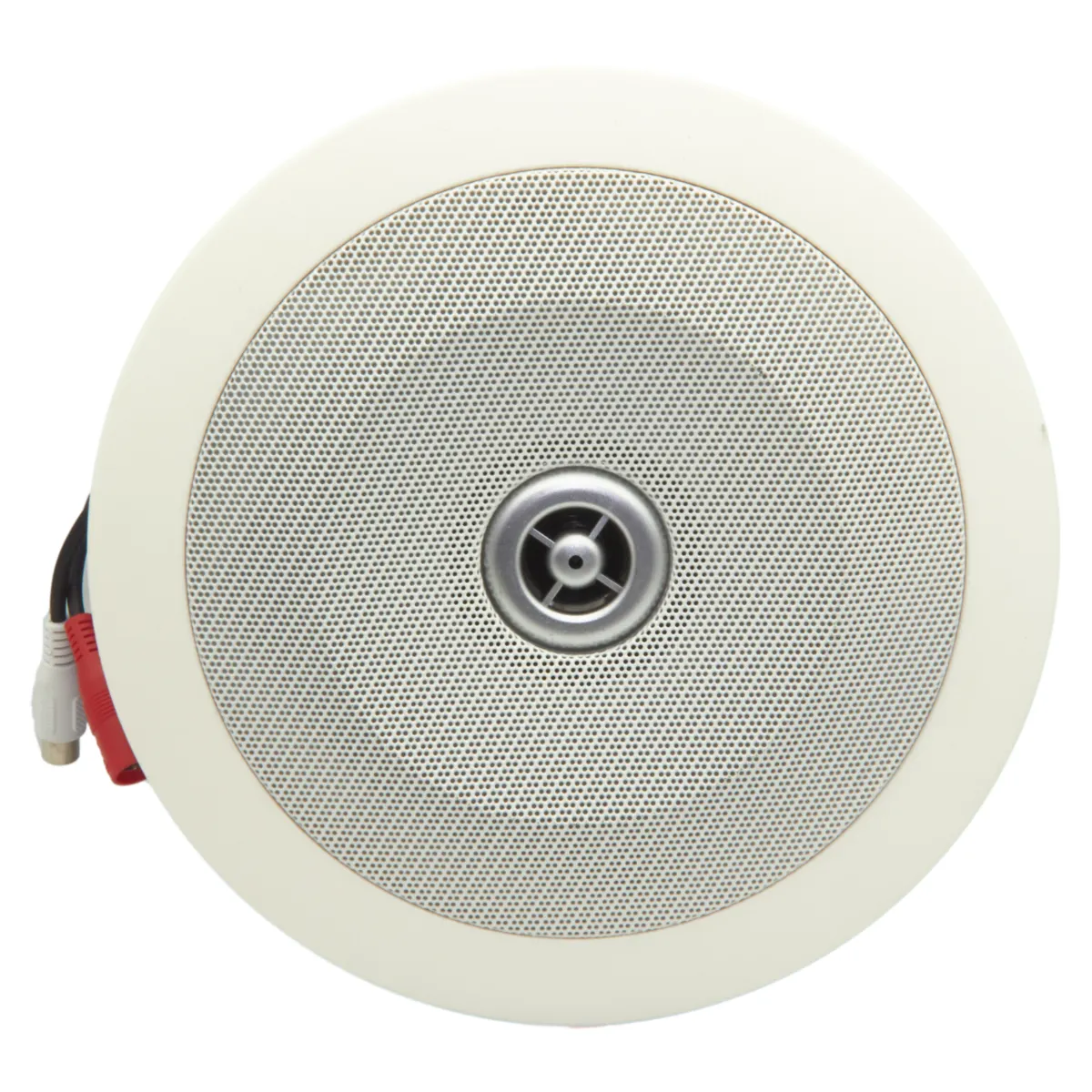
- CSB-200B Bluetooth ceiling speaker for a compact ceiling installation with a nearby power source;
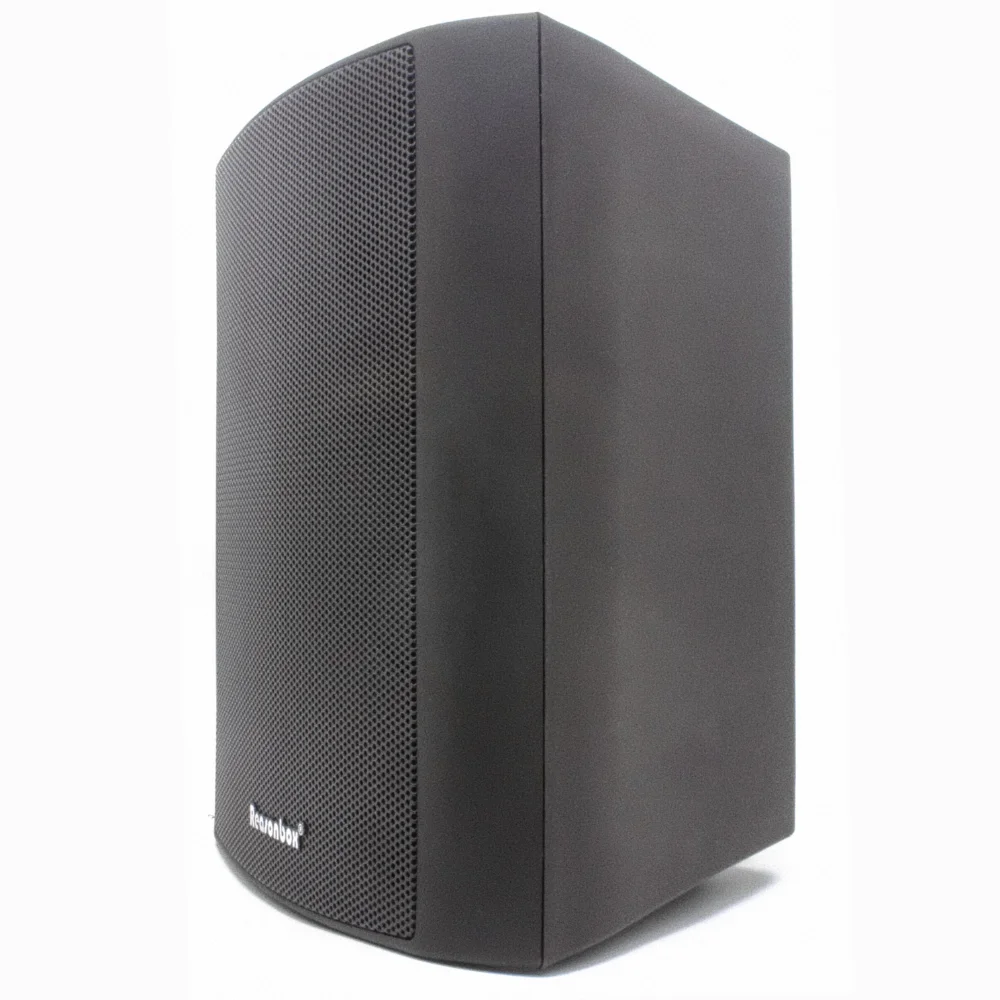
- P-401KB Bluetooth active wall speaker for a small room that needs wall-mounted playback;
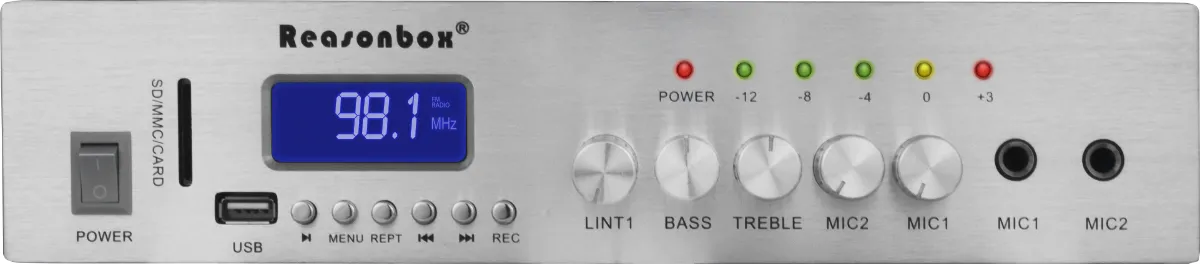
- RX-331 mini amplifier when Bluetooth is one of several local sources feeding conventional loudspeakers.
Confirm the installed product specification, coverage, power arrangement and control method. Do not infer Auracast support from the presence of ordinary Bluetooth.
Site survey and commissioning checklist
- draw the required coverage and zone boundaries;
- record walls, metal structures and likely interference sources;
- test the actual transmitter and receiver models at the busiest expected time;
- verify recovery after the source, network and mains power are interrupted;
- define device names, pairing or broadcast access and operator permissions;
- keep a wired or local fallback for important messages;
- document local radio and accessibility compliance;
- train staff and provide simple instructions for visitors.
Frequently asked questions
Can wireless replace all speaker cable?
Usually not. Active wireless speakers still require power, and permanent multi-speaker coverage is often easier to maintain with wired distributed audio.
Is Wi-Fi audio better than Bluetooth?
They solve different problems. Bluetooth is convenient for a nearby source or compatible personal receivers. IP audio is stronger for managed routing, zones, scheduling and monitoring.
Can a wireless music system also serve as an emergency system?
Do not assume so. Emergency and voice-alarm systems may have specific supervision, redundancy, audibility, intelligibility and regulatory requirements. Treat them as a separate life-safety design unless the complete system is certified for that purpose.