Bluetooth audio can describe two very different experiences. Classic Bluetooth normally connects a phone or player to a nearby speaker or amplifier. Bluetooth LE Audio adds a broadcast capability, branded Auracast, that lets compatible listeners select an audio stream from one transmitter.
They are not interchangeable. A café choosing a convenient music source, a museum offering personal tour audio and an airport operating safety announcements have different requirements. This guide combines the essential technical background, benefits, comparison and deployment steps into one practical reference.
Quick answer
| Requirement | Technology to consider first |
|---|---|
| One phone plays music through a nearby room system | Classic Bluetooth receiver, active speaker or amplifier |
| Many visitors listen on compatible personal devices | Auracast transmitter plus compatible receivers |
| Selectable language or assistive-listening channels | Auracast, with loan receivers and user instructions |
| Fixed room announcements for everyone | Installed PA loudspeakers, usually wired |
| Emergency or voice-alarm coverage | A compliant life-safety system; do not assume ordinary Bluetooth qualifies |
Classic Bluetooth, LE Audio and Auracast
Classic Bluetooth audio
Classic Bluetooth audio is commonly used for local music playback. A source is paired with a receiver, active speaker or amplifier. It is familiar and cost-effective, but it normally depends on a particular source remaining nearby and connected.
Bluetooth LE Audio
LE Audio is an audio architecture based on Bluetooth Low Energy. It introduced the LC3 codec and new ways to share audio between devices. LE Audio is the technical foundation; it does not mean every LE Audio device automatically provides every possible feature.
Auracast broadcast audio
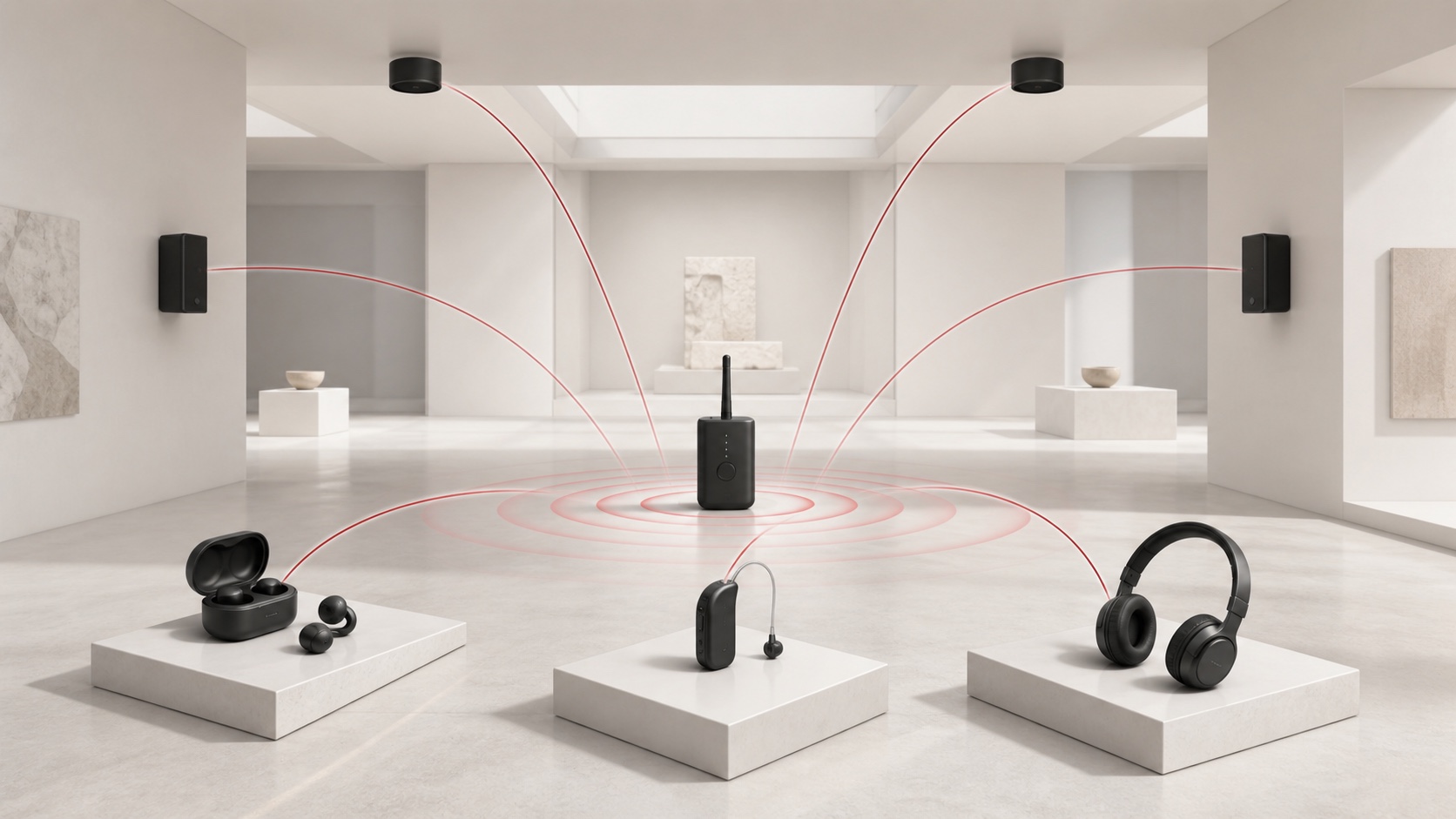
Auracast is the Bluetooth brand for broadcast audio. A transmitter advertises one or more audio broadcasts, and compatible receivers can discover and select them. This model is useful when many people need the same live or recorded audio without each person pairing directly with the source.
Auracast can support open or access-controlled broadcasts depending on the equipment and configuration. It should be treated as a new receiving channel, not as an automatic replacement for the venue's loudspeaker system.
Where public broadcast audio is useful
Silent screens
Gyms, waiting areas and transport terminals can make the audio from silent televisions available to visitors who choose to listen.
Tours and exhibitions
Museums and visitor attractions can offer guide audio through compatible personal receivers. Loan receivers remain important during the transition period and for accessibility.
Multilingual events
A meeting or attraction can publish separate language broadcasts. Each listener selects the relevant channel and adjusts personal listening volume.
Assistive listening
Compatible hearing devices, earbuds or dedicated receivers can receive a venue broadcast. Accessibility planning still needs to account for visitors without compatible equipment, staff support and local regulations.
What Auracast should not replace by default
Personal broadcast audio does not guarantee that everyone in a room will hear an important message. A visitor may not have a compatible receiver, may not have joined the broadcast, or may have removed their earbuds.
Keep installed PA loudspeakers for general announcements and ambient coverage. Emergency and voice-alarm systems may require monitored circuits, redundancy, backup power, specified audibility and intelligibility, and formal certification. Do not replace them with ordinary Bluetooth equipment unless the complete system is explicitly approved for that purpose.
Compatibility: check the feature, not only the Bluetooth version
Bluetooth Core 5.2 introduced technical building blocks used by LE Audio, but a “Bluetooth 5.2” label alone does not guarantee Auracast support. According to the Bluetooth SIG, products need the relevant LE Audio features and the Public Broadcast Profile.
Verify all four parts of the path:
- the audio source or mixer output;
- the Auracast transmitter;
- the listener's receiver, earbuds or hearing device;
- the operating-system interface used to discover and select a broadcast.
Test the exact models and software versions planned for the venue. Marketing terms such as “LE”, “Bluetooth 5.2” or “broadcast ready” are not a substitute for a demonstrated end-to-end connection.
Coverage and capacity planning
Wireless coverage depends on the transmitter architecture, antenna, mounting position, transmit power, building materials and nearby radio activity. A distance printed in a specification is not a site-survey result.
For each area:
- draw the intended listener boundary;
- mount transmitters away from major metal obstructions where possible;
- test behind walls, inside seating areas and at entrances;
- repeat the test when the venue is occupied;
- check coexistence with Wi-Fi, conventional Bluetooth and other 2.4 GHz devices;
- decide how adjacent broadcasts will be named and separated.
Adding transmitters can extend coverage, but it also adds planning and operational complexity. Follow the selected system's guidance for synchronization and overlapping areas.
A practical deployment process
Step 1: define the listening task
Write down whether the broadcast is for a silent screen, a guided tour, translation, assistive listening or another non-emergency use. Define the expected number and type of receivers.
Step 2: keep the signal architecture explicit
Document how audio reaches both the installed PA and the Auracast transmitter. Set levels independently so that a change to the personal broadcast does not unexpectedly affect room loudspeakers.
Step 3: design the listener experience
Use short, recognizable broadcast names. Decide whether the broadcast is open or protected. Provide signs or a QR-linked instruction page, and keep loan receivers ready when required.
Step 4: survey and test coverage
Walk every intended listening area with the actual receiver models. Check dropouts, delay relative to visible screens, channel selection and reconnection after leaving the area.
Step 5: plan operations and fallback
Assign responsibility for turning the system on, selecting content, changing broadcast names and responding to a fault. Keep important room announcements on the installed PA path and record a fallback procedure.
Hybrid architecture is usually the safest transition
A practical public venue can use three layers:
- an installed loudspeaker system for room coverage and general announcements;
- Auracast for optional personal, multilingual or assistive listening;
- local displays, signage and trained staff to help users connect.
This allows the venue to gain the benefits of personal broadcast audio without excluding visitors whose devices are not compatible.
For classic Bluetooth playback, the audio file stored on the source and the Bluetooth codec used over the wireless link are separate choices. The audio compression formats guide provides a practical compatibility checklist for that source side of the system.
Product examples: ordinary Bluetooth playback
The following Reasonbox products provide local classic Bluetooth playback options. Their Bluetooth function should not be interpreted as Auracast support unless a specific product specification states it:
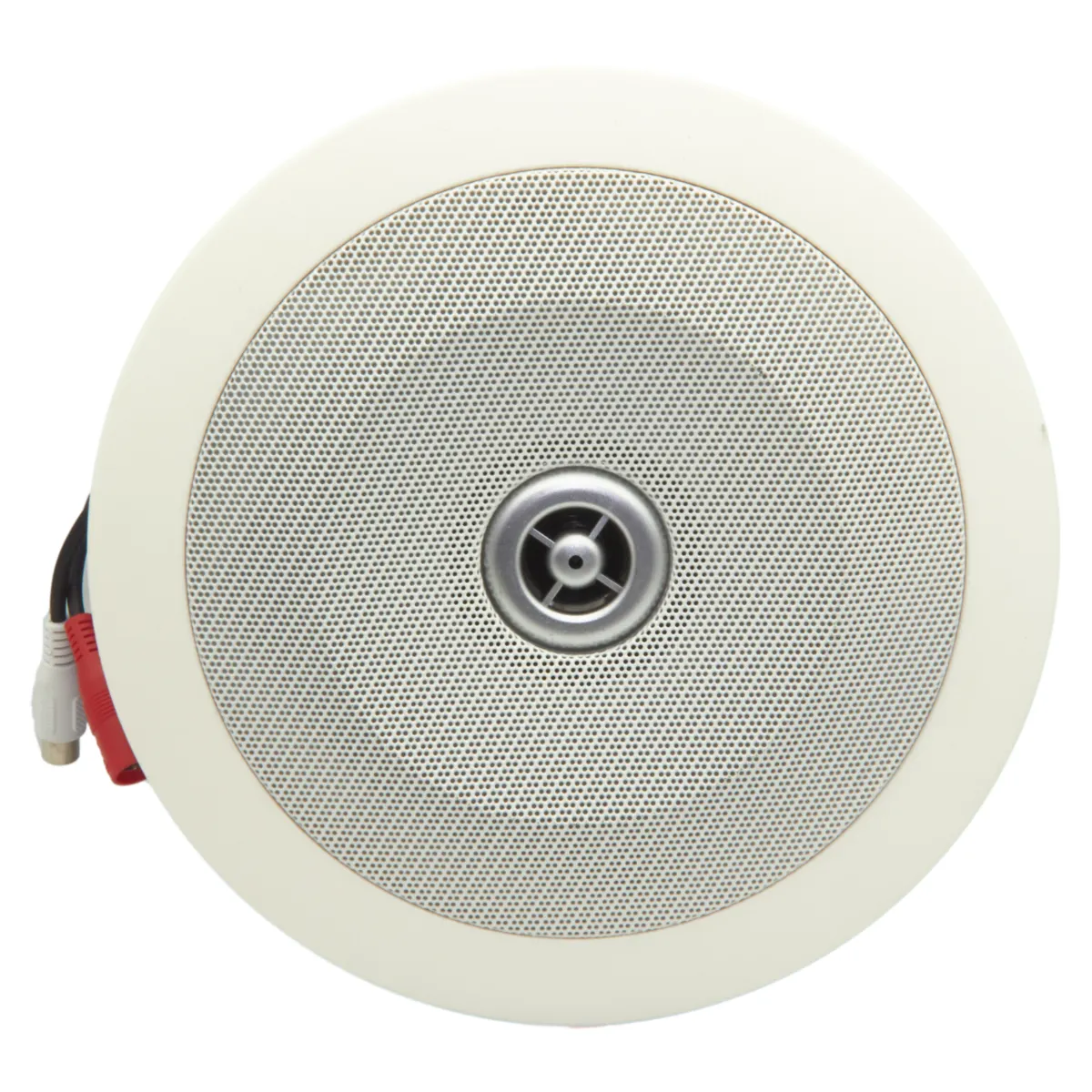
- CSB-200B Bluetooth ceiling speaker for a compact room with suitable ceiling power;
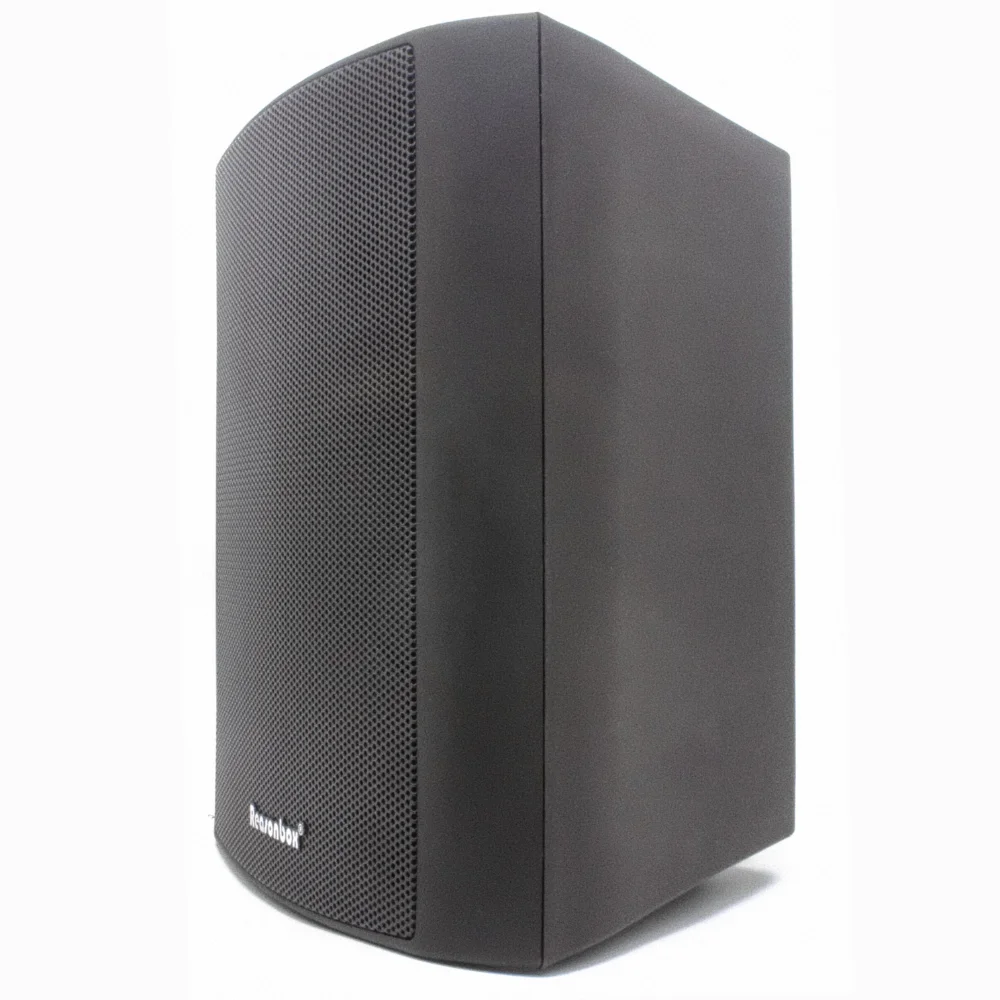
- P-401KB Bluetooth active wall speaker for local wall-mounted playback;
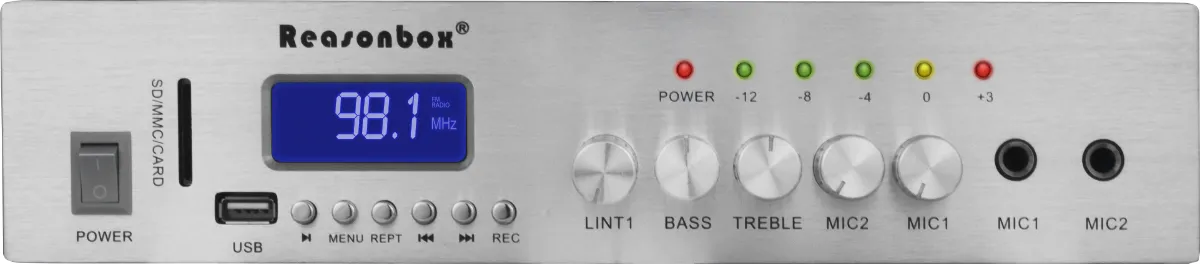
- RX-331 mini amplifier when Bluetooth is one of several sources feeding conventional speakers.
For an Auracast project, specify and test a dedicated compatible transmitter and receiver ecosystem alongside the room audio system.
Commissioning checklist
- verify the exact transmitter and receiver compatibility;
- confirm broadcast discovery, selection and access control;
- measure coverage with the venue occupied where possible;
- check lip-sync requirements for screens or presentations;
- test power, source and network interruption recovery;
- confirm the installed PA continues to carry important announcements;
- provide visitor instructions and accessible loan receivers;
- save configuration, device inventory and fault procedures.
Frequently asked questions
Can any Bluetooth headphones receive Auracast?
No. The receiver must explicitly support the necessary LE Audio and Auracast features.
Is there a fixed maximum number of listeners?
Broadcast audio does not create an individual paired connection for every listener. Practical capacity and experience still depend on the transmitter, receiver ecosystem, radio environment and deployment design.
Will Auracast make installed speakers unnecessary?
Not in most public venues. Installed speakers remain important for shared ambience, general announcements and people who are not connected to the broadcast.
Is Auracast the same as streaming audio over Wi-Fi?
No. Auracast is Bluetooth broadcast audio. Wi-Fi or IP audio uses a network and is often selected for managed routing between rooms or devices. A project may use both.